
Stop Carrying Everything in Your Head
You built something real. But if you got sick tomorrow, would any of it keep running? This portal shows you how to document what you do, systematize how you deliver it, and build the infrastructure that lets your work continue without you holding every thread.
Process Documentation
Write down what you do so someone else could follow it. Frameworks for capturing tacit knowledge.
Client Onboarding
Sequences that run without your daily involvement.
Standardized Deliverables
Consistent outputs that still feel personal and crafted.
Knowledge Base
Answer every question once. Build a resource that answers it forever.

Everything Lives in Your Head. That's the Actual Risk.
When you're the only one who knows how your work gets done, you're not just a service provider. You're a single point of failure. One sick day, one emergency, one vacation where you can't fully disconnect, and the whole thing wobbles.
This isn't a productivity problem. It's a structural one. The knowledge about how you work, what you deliver, how you communicate with clients, what you do when something goes wrong, all of that needs to exist somewhere outside your own memory.
Nojome Yasewe is a portal built around one idea: operational frameworks give you your time back without making your work feel mechanical. The goal isn't to replace the quality of what you do. It's to capture it.
Learn the ApproachFour Areas. One Goal.
Each area of this portal addresses a specific gap that solo providers run into. They're connected, but you can start anywhere.
Documentation That Actually Gets Written
Most solo providers know they should document their processes. Few actually do it in a way that holds up. The frameworks here are designed around how knowledge actually lives in a one-person operation, not how a corporate manual assumes it does. You'll learn how to capture what you do in formats that are fast to write and genuinely useful to someone else trying to follow your work.
Onboarding Sequences That Run Themselves
Client onboarding is one of the most repeated, most time-consuming parts of running a service business. When it exists only in your inbox and your memory, every new client starts from scratch. The walkthroughs here show you how to build sequences that move clients through the early stages of working with you without requiring your active presence at every step.
Deliverables With Structure and Soul
Standardizing what you deliver doesn't mean making it generic. It means building a structure that holds your quality consistently, even when you're tired or rushed or handing something off. You'll find guidance on creating templates and frameworks for your specific type of work that preserve what makes it good while removing the parts that shouldn't require reinvention every time.
A Knowledge Base Worth Building
If you've answered the same client question more than twice, it belongs in a knowledge base. Not a FAQ buried on your website, but a structured resource that clients can actually find and use. The difference between a useful knowledge base and a forgotten document folder is architecture. This section covers how to build one that reduces your repetitive communication load over time.
Frameworks, Not Formulas
Operational frameworks are different from rigid templates. They give you a structure to follow without locking you into decisions that don't fit your work. Here's how the thinking works.
Map What You Actually Do
Before you can document anything, you need a clear picture of what actually happens in your work. Not what you think happens, not what you'd like to say happens. What actually happens. This starts with process mapping, which is less complicated than it sounds and more revealing than most people expect.

Identify What's Repeatable
Not everything you do needs to be systematized. Some parts of your work are genuinely one-of-a-kind and should stay that way. The skill is identifying which parts repeat, even if they look slightly different each time, and building structure around those. This is where most documentation efforts go wrong: they try to capture everything instead of the right things.
Build the Minimum Viable System
A system that takes six months to build will never get built. The frameworks here are designed to produce something functional quickly, then improve it through use. You don't need a perfect process document. You need one that's good enough to hand to someone else tomorrow. Start there.

Test It Without You
The only real test of a system is whether it works when you're not there to explain it. Every framework in this portal includes guidance on how to stress-test what you've built before you actually need to rely on it. This step is uncomfortable and worth doing.

The goal isn't to work less. It's to work without the constant fear that everything depends on you being present.
See the WalkthroughsWhere to Start

Zero Sponsorships
How this portal works, what it covers, and why it doesn't sell you anything beyond the frameworks themselves. Independent, direct, no affiliates.
Read more
Step-by-Step Walkthroughs
Detailed, actionable guides for building each type of system. Documentation templates, onboarding sequences, knowledge base architecture, deliverable frameworks.
Explore guides
Corrections
Common mistakes in building solo systems, and how to fix them. What breaks, why it breaks, and what to do differently when your first attempt doesn't hold up.
See correctionsAnswer It Once. Let It Work Forever.
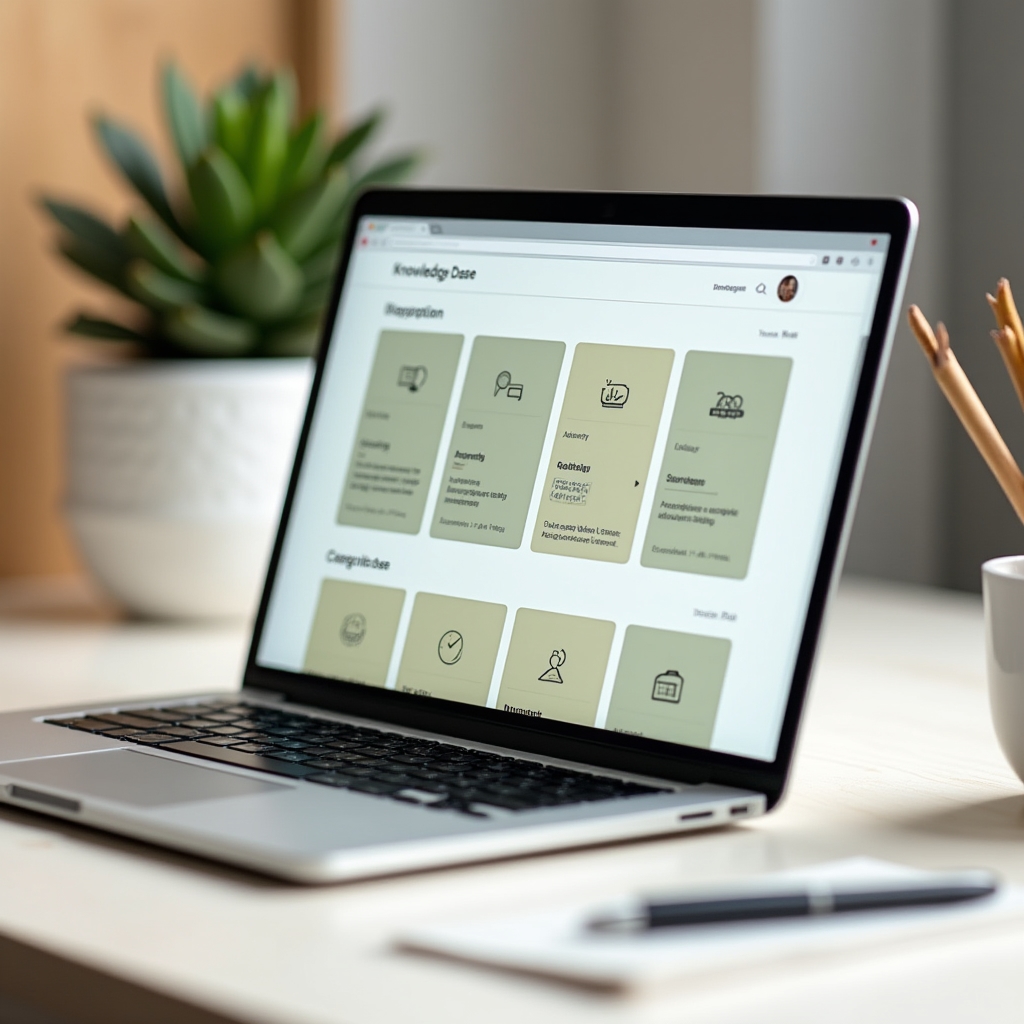
The average solo provider answers the same client questions repeatedly. Not because clients don't pay attention, but because the answers live in email threads, in your memory, in documents clients can't find. A well-built knowledge base changes that dynamic.
It's not a FAQ page. It's a structured resource with real navigation, searchable content, and answers written for the person who needs them, not the person who knows them. Building one takes time upfront and saves a disproportionate amount of time afterward.

The First Two Weeks Shouldn't Require You to Be On Call
Client onboarding is where most solo service providers spend enormous energy for every single new engagement. Answering the same questions, sending the same documents, explaining the same process. It feels personal. But it's mostly repetitive.
An onboarding sequence is a series of touchpoints, messages, documents, and checkpoints that move a new client from "just signed" to "fully oriented" without requiring you to orchestrate each step manually. When it's built well, it actually feels more attentive than ad-hoc onboarding, because nothing gets forgotten.
The walkthroughs cover how to design, write, and deploy an onboarding sequence that fits a one-person operation, including how to handle the parts that genuinely do need your direct involvement.
Read the Onboarding Guide